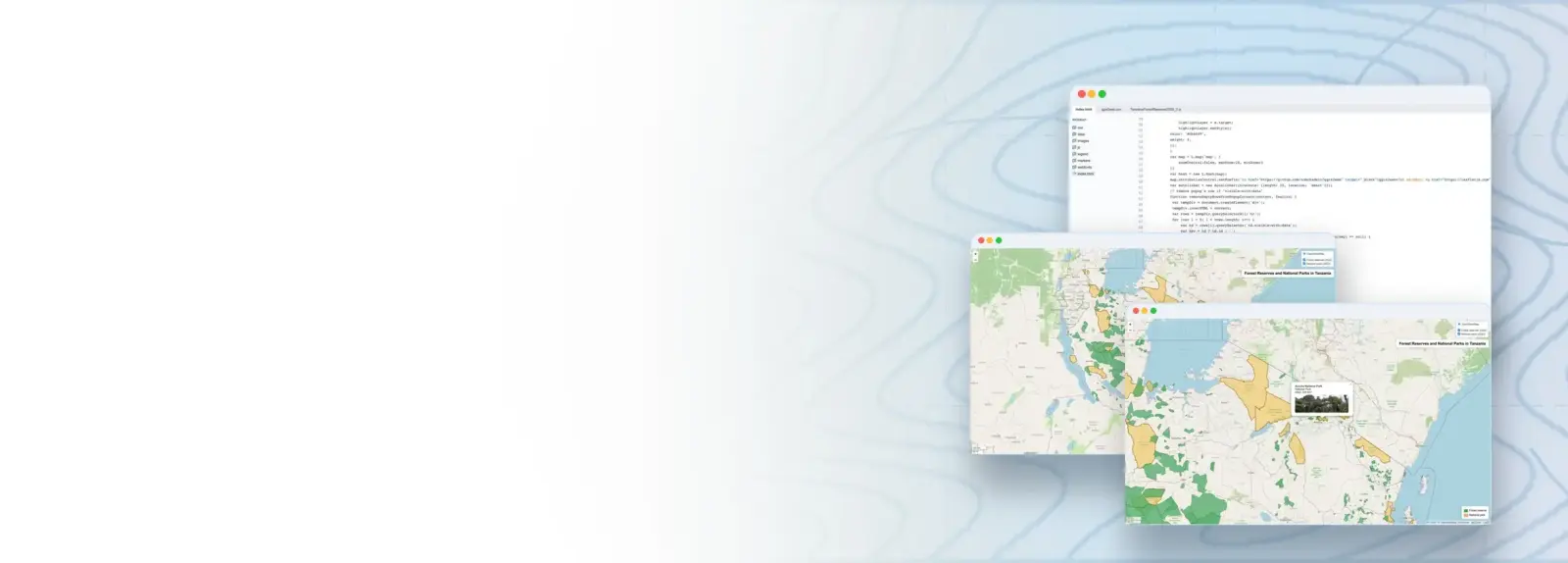
The use of interactive web maps is common to anyone who has access to the internet. We use web maps, for example, when searching for services or the fastest route to our destination or when viewing news online. Informative and creative visualization of geospatial data in web maps makes information on a spatial phenomenon easily accessible and enables the further exploration of that information by the map reader. Careful planning, design and use of technologies are key to making the web maps fulfill this desired functionality. Web maps are relevant for all fields of society from research and education to planning, business and decision-making.
While many students who are not technology-oriented can create informative static maps with ease, can the skills required for creating interactive web maps overwhelm them. The mini-MOOC introduces the student to the topic of web mapping and presents easy to use technologies and tools, such as qgis2web plugin for QGIS. Creating and sharing your first web map online using open source solutions opens up the topic for further inquiry and gives a boost to the student’s self-confidence. The mini-MOOC encourages experimenting and learning new geospatial visualization methods, tools and technologies.
Main themes of this module:
– Geospatial dissemination skills
– Interactive web mapping
– Working with QGIS web mapping plugin