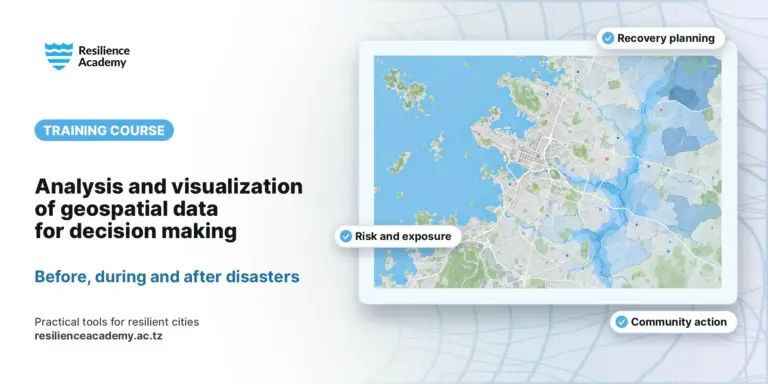
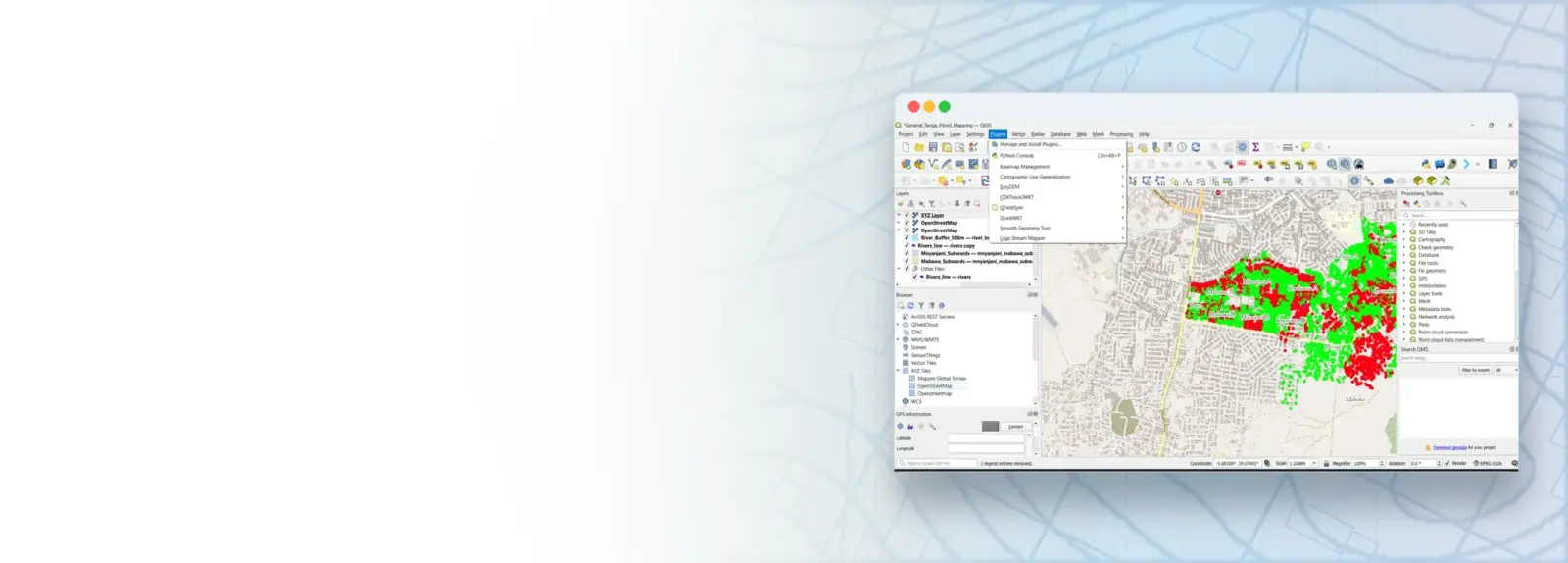
Urban areas face growing challenges from climate change, water management, infrastructure development and disasters, and good planning decisions need evidence from spatial data and Geographic Information Systems (GIS). This basic, hands-on course builds the foundational skills to find, manage, analyse and map geospatial data with free and open-source tools. Participants first explore open data sources on the web (OpenStreetMap, Google Earth and USGS Earth Explorer), then install QGIS, learn its interface and plugins, add and understand vector and raster data, create and edit their own layers, and finish by producing professional maps and sharing interactive maps online with MapHub. It is designed for technical experts in government and ProWAS-SASA partner institutions, such as urban and town planners, surveyors, water resource managers, environmental officers, infrastructure and disaster risk management specialists and GIS coordinators, and is delivered over four days of lectures, live demonstrations and step-by-step practicals.
COURSE
Geospatial Data and GIS in Urban Resilience Management and Planning
Taught by Msilikale Msilanga, Amedeus Raphael Kimaro & Dr. Zakaria Ngereja
Open to members of Ardhi University.
LESSONS
9
% complete
DURATION
~4 hr 30 min
Self-paced
STUDENTS
0
enrolled
CERTIFICATE
No
not offered for this course
About this course
Participants have better understanding of the value of geospatial data for urban planning and resilience decisions, and of the main spatial data types (vector, raster, points, lines and polygons)
Participants have practical skills in finding and accessing open spatial data, including OpenStreetMap, Google Earth, satellite imagery from USGS Earth Explorer and data loaded through QGIS plugins
Participants have practical skills in managing, creating, editing and combining vector and raster datasets and their attribute data in QGIS
Participants have improved competences to turn spatial data into clear maps and shared online maps that support planning and decision-making in their daily work
Course content
%
Google Earth Explore – Getting start with Google Earth Explore
Practical · hands-on
USGS – Access Raster Data from USGS Earth Explorer
Practical · hands-on
QGIS – Foundations & Interface
Practical · hands-on
QGIS – Working with Plugins
Practical · hands-on
QGIS – Spatial Data Types & Understanding Data
Practical · hands-on
QGIS – Creating and Editing Vector Data
Practical · hands-on
QGIS – Styling, Labeling, Basemaps, and Map Layouts
Practical · hands-on
MapHub – Using MapHub for Interactive Online maps
Practical · hands-on
What learners say
Your instructor
Partners involved
Course details
Format
Self-paced
Language
English
Level
Beginner
Last updated
October 9, 2026
Certificate
Not included
Share this course
Help someone find this training.
Share…
Share on LinkedIn
Share on X
Share on Facebook
Share on WhatsApp
Share by email
Copy link